Your shop's own Telegram bot that checks every payment for you.
Customers browse, check out and pay by Interac e-Transfer or crypto, in a bot with your name and logo. Clerkbot confirms each payment at the source, buys the shipping label through your own account and sends the tracking number. You just pack.
On a computer? Scan with your phone's camera to message us in Telegram.
9:41
YSYourShopbot
🛒 Order #1042Classic Hoodie (M) × 2$64.00Chit Chats Tracked$13.23Total$77.23 CAD
How would you like to pay?
9:41
e-Transfer9:41 ✓✓
Send an Interac e-Transfer to: pay@yourshop.ca
⚠️ Put your order number 1042 in the e-Transfer message.9:41
✅ Payment confirmed for order #1042. Thank you!
signature ✓ · $77.23 ✓ · #1042 ✓9:46
🏷 The shipping label for your order #1042 is ready. Tracking number: 7302 1849 552110:12
Message
Payment confirmedInterac signature verified
Tracking sentthe moment the label is bought
6 orders ready to packOne tap buys every label
e-Transfer9:41 ✓✓
Send an Interac e-Transfer to: pay@yourshop.ca
⚠️ Put your order number 1042 in the e-Transfer message.9:41
✅ Payment confirmed for order #1042. Thank you!signature ✓ · $77.23 ✓ · #1042 ✓9:46
🏷 The shipping label for your order #1042 is ready. Tracking number: 7302 1849 552110:12
Crypto9:41 ✓✓
Send exactly 56.38 USDC on Solana to: 7Xk4…q9Fa
Then tap “I've paid” and send the transaction ID.9:41
I've paid · 5Kq3…r7Zt9:43 ✓✓
✅ Payment confirmed for order #1042. Thank you!on-chain ✓ · 56.38 USDC ✓ · #1042 ✓9:44
🏷 The shipping label for your order #1042 is ready. Tracking number: 7302 1849 552110:12
Works with
Telegram
Interac e-Transfer
USDC
USDT
Bitcoin
Ethereum
Chit Chats
ShipStation
Telegram
Interac e-Transfer
USDC
USDT
Bitcoin
Ethereum
Chit Chats
ShipStation
Live now for shops that sell in Canada. Selling somewhere else? Tell us where.
Every kind of shop
Made for whatever you sell on Telegram.
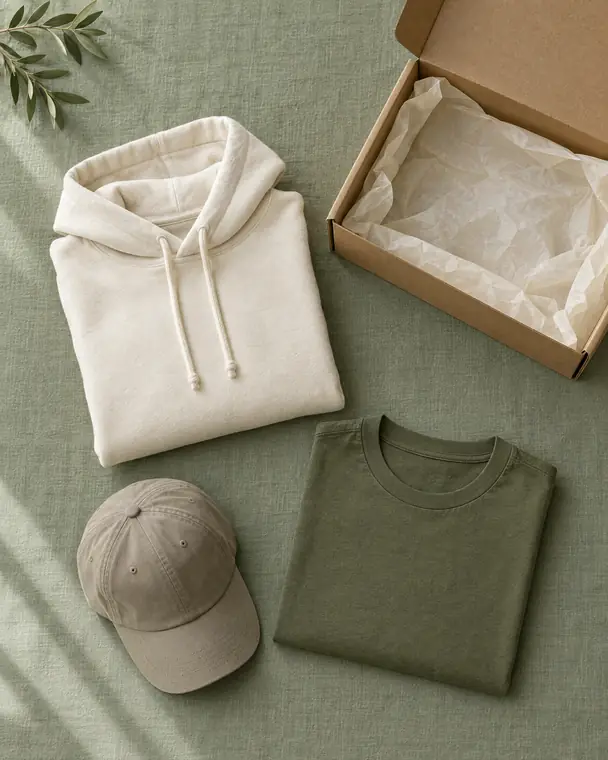
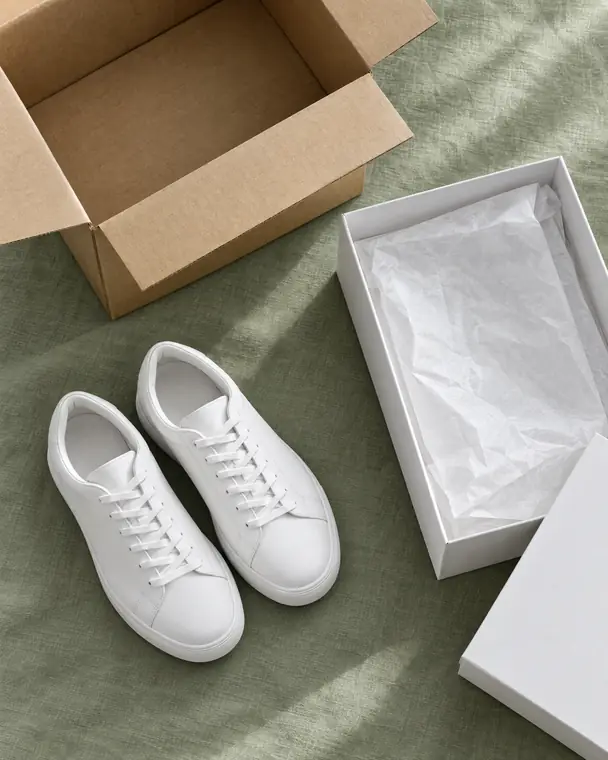
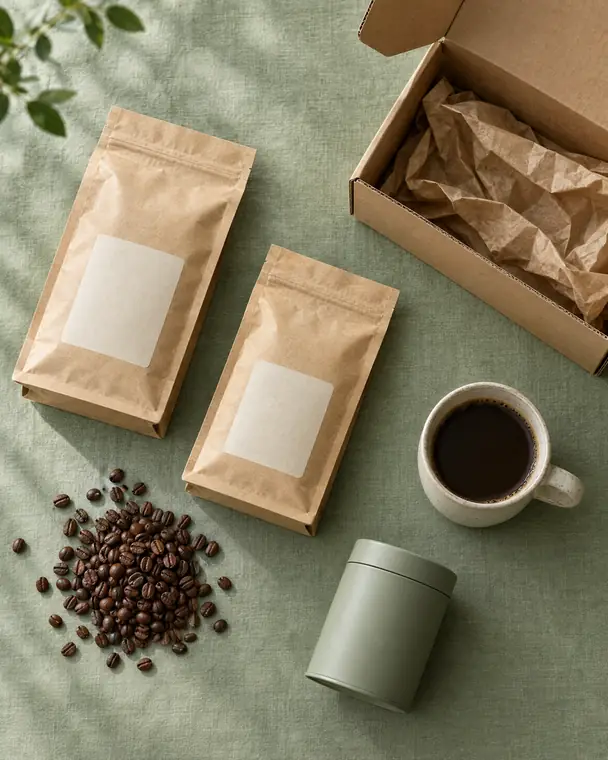
Clothing drops, sneakers, supplements, candles, skincare, coffee. If your customers already order from you in Telegram, Clerkbot gives them a proper checkout.
Clothing & dropsSizes and colours as options
SneakersPre-orders for the next drop
SupplementsStrengths and sizes as options
Candles & homeQuantity discounts
Skincare & beautyRestock alerts
Coffee & teaReorder reminders
Clothing & dropsSizes and colours as options
SneakersPre-orders for the next drop
SupplementsStrengths and sizes as options
Candles & homeQuantity discounts
Skincare & beautyRestock alerts
Coffee & teaReorder reminders
Before and after
Stop doing the bot's job.
Everything you do by hand today when an order comes in, done for you.
Without Clerkbot
Scrolling through e-Transfer emails to see who paid
Checking a block explorer for every crypto payment
Taking a screenshot's word that someone paid
Copying each address into Chit Chats by hand
Answering "where's my tracking?" all day
Prices and stock in a pinned post
With Clerkbot
Interac's signature checked and matched to the order for you
Crypto checked on the blockchain, confirmations counted
Screenshots never count. Only real payments do.
One tap buys the label for every paid order
Tracking sent the moment the label is bought
A real catalog with options, stock and sold-out items
5 minutes is roughly 2 to find and match the payment, 2 to make the label and 1 to send the tracking number. Set your own numbers.
Time you'd get back hoursa week, or about hours a month
How it works
Up and running in three steps.
Your customers already message you on Telegram. Clerkbot turns that into a proper checkout, under your shop's name.
Message us on Telegram
Tell us what you sell and how you take payments today. We set up your own bot under your shop's name.
Follow the checklist
A guided checklist in your bot walks you through payments, shipping, your products and a test order. Your shop stays closed until you open it.
Share your bot and take orders
Customers order and pay in the chat. You get an alert for each paid order and pack everything in one daily run.
Payments
Two ways to pay. Both confirmed automatically.
No more scrolling through e-Transfer emails or block explorers to see who paid. Clerkbot checks every payment at the source, and the money always goes straight to your own bank account or wallet.
Interac e-Transfer Canada
The customer checks out and gets an order number.
They send the e-Transfer with the order number in the message.
Your email forwards only Interac's notification emails to Clerkbot, with one simple filter.
Clerkbot checks Interac's digital signature and matches the amount and order number.
The order is marked paid and the customer is told straight away.
E-TRANSFER CHECK#1042
Interac digital signature valid
Signed with Interac's pinned key
Sent to your e-Transfer email
Amount matches: $77.23
Order number matches: #1042
Reference number never used before
PAID
No Google Workspace account. No inbox access. Clerkbot never sees the rest of your email or your password, only the Interac notifications you forward.
Crypto Any wallet
USDC · Ethereum
USDC · Solana
USDT · Ethereum
USDT · Solana
Bitcoin
ETH
The customer gets your address and the exact amount, converted from your CAD price, with one-tap copy buttons.
They pay from their own wallet and send the transaction ID.
Clerkbot checks the payment directly on the blockchain.
Once it has enough confirmations, the order is marked paid.
BLOCKCHAIN CHECKUSDC · Solana
Sent to the right address
The real token, not a look-alike
The right amount
Made after the order was placed
Enough confirmations
Never counted for another order
PAID
A payment can never be counted twice. Each transaction can pay for one order only.
When something doesn't match, a person decides. A missing order number, the wrong amount or nothing arriving is never approved automatically: you get an alert in Telegram with buttons to sort it out. Customers who round up are fine, since up to $1 over an e-Transfer total still counts.
Sent to the customerTracking 7302 1849 5521
🏷Label bought, tracking sentThe customer has it before the box is taped.
Shipping
Labels in one tap. Tracking sent for you.
Clerkbot connects to your own Chit Chats or ShipStation account. Labels are bought through your account and paid from your own balance, never through us.
Live shipping prices at checkoutCustomers see real rates for their address before they pay. Add free shipping over an amount if you like.
Tracking sent the moment the label is boughtThe customer gets their tracking number right away, so nobody has to ask you for it later.
A daily packing runOne tap buys the label for every paid order and gives you a packing list.
Your box, your quotesSet the box you usually ship in, so quotes match what you actually pay.
A daily spending limitAutomatic labels have a daily cap, so a problem can't run up your postage.
Running the shop
Run the whole shop from Telegram.
Quick jobs happen in the chat, where you already are. Bigger edits happen on a web dashboard you log into with Telegram, so there are no passwords to manage.
Alerts that come with buttons
New orders, confirmed payments and anything that needs a person, each with the buttons to sort it out: mark paid, underpaid, change address, cancel or refund.
YourShop bot · admin · now
✅ Paid automatically: order #1042, $77.23 by e-Transfer. 6 paid orders are ready to pack.
📦 Packing runView orderMark shipped
Your name, your logo
Your bot carries your shop's name, logo and welcome message. Change them any time.
YSYourShop
Welcome to YourShop! Tap 🛍 Browse to see what's in stock today.
A dashboard for the big edits
Products with options like size and strength, bulk edits, settings, staff and the security log. Bring your catalog over from a spreadsheet in one go.
ProductOptionsPrice
Classic HoodieS · M · L$32.00✓
Soy Candle8 oz$18.00✓
Cold Brew Kit1 kit$24.00✓
Staff with the right access
Give each person a role. Every action is logged.
Owner
Everything. Payments and staff need the PIN.
Manager
Products, prices, shipping, orders.
Packer
Paid orders and labels.
Support
Orders and customer chats.
Set up with a checklist
Your bot shows what's left to do, one button per step, from payments to your first test order. New shops stay closed until you open them.
🧭 Finish setting up your shop (5/7)
🚚 Shipping🧪 Test order
Growth tools, built in
The things you'd otherwise do by hand in your channel. Every reminder has an unsubscribe button.
Restock alerts
Reorder reminders
Referral credit
Abandoned-cart reminder
Discount codes
Timed sales
Quantity discounts
Pre-orders
Reviews
Free shipping over an amount
Your numbers, your records
Sales stats, order exports for your bookkeeping, and reviews you approve before they're posted to your channel, without names.
Security & privacy
Built so tricks fail and mistakes fail safe.
Your bot handles your money and your customers' addresses, so security comes first, not last. Here is exactly what that means.
Payments checked at the source
The bot never takes a customer's word, or a screenshot, as proof. It checks Interac's signature or the blockchain itself.
Interac's keys pinned
Interac's signing key is checked with two independent services and pinned. If it ever changes, e-Transfers wait until the new key has been verified.
An optional hold on risky e-Transfers
Switch it on and a first-time customer's e-Transfer, or any over an amount you choose, waits before it can ship, so a bank can flag a payment from a stolen account first.
A wait on payout changes
Changing a wallet address or your e-Transfer email needs the owner PIN. Once your shop is open, the change waits an hour before it's used. Every owner is alerted and can cancel it.
Owner PIN and staff roles
Only owners can touch payments and staff, behind a PIN that locks after repeated wrong tries. Staff get only what their role needs.
Tamper-evident action log
Every change records who made it and when. Each entry is chained to the one before, so an edit or a deletion shows up.
Encrypted per shop
Customer details are encrypted with a key that belongs to your shop alone. Logs never contain addresses, keys or payment details.
Addresses deleted automatically
Shipping addresses are deleted after an order is finished: 90 days by default, or sooner if you choose. Customers can delete their own data with /deletemydata.
Fails closed
If a check can't finish, for example because a blockchain service is down, the order stays unpaid and is flagged for you. Nothing is ever approved because of an error.
Watched around the clock
If backups, payment checks or your bot stop working, we're alerted automatically and can step in.
Our own servers
Your bot and its data run on servers we manage ourselves, with encrypted backups.
No trackers
No analytics, ad pixels or tracking cookies on this site or your dashboard.
What we can't promise, in plain words
Telegram chats with bots aren't end-to-end encrypted, so Telegram can see messages sent to your bot. The bot deletes the customer's address message from the chat once it's saved.
The system has to read an address to buy its shipping label. Encryption protects against theft and casual access, not against the system itself.
Anyone can see payments made to a crypto address on the public blockchain.
Who you're dealing with
A real person on the other end.
Clerkbot is built and run in Canada. When you message us, you talk to the people who build it, not a call centre.
Set up with you, by hand
We create your bot with you, walk you through the checklist and stay on hand while you launch.
Run from Canada
Built and run in Canada, under Canada's privacy law (PIPEDA).
Your money stays yours
Payments go straight to your bank account or wallet. We only check that they arrived.
FAQ
Questions shop owners ask.
Does the money go through Clerkbot?
No. Customers pay your own bank account by e-Transfer, or your own crypto wallets. Clerkbot only checks that a payment arrived. It never holds or moves your money.
Do I need a Google Workspace account for e-Transfers?
No. You set up one email filter that forwards Interac's notification emails to Clerkbot. It works with a regular email account.
Can Clerkbot read my email?
No. Clerkbot has no access to your inbox. It only receives the Interac notifications you choose to forward, reads the payment details, and then deletes the email.
Can I use Clerkbot outside Canada?
Not yet. Today Clerkbot works for shops that sell and ship within Canada, with prices in Canadian dollars. Crypto payments already work from any wallet, anywhere. If you sell somewhere else, message us and tell us where, so we know which country to add next.
Which cryptocurrencies can customers pay with?
USDC or USDT on Ethereum or Solana, Bitcoin, and ETH. Each payment is verified on the blockchain before the order is marked paid.
What if a customer sends the wrong amount?
Up to $1 over an e-Transfer total still counts, because people round up. Anything else, like an underpayment or a missing order number, is never approved automatically. You get an alert in Telegram with buttons to sort it out.
Who pays for shipping labels?
You do, through your own Chit Chats or ShipStation account, just like today. Clerkbot buys the label through that account and sends the tracking number to your customer straight away.
Will the bot use my shop's name and logo?
Yes. Your bot has your shop's name, logo and welcome message, and you can change them any time from the bot.
Can my staff help without seeing everything?
Yes. Give each person a role: manager, packer or support. Only owners can change payment settings, and every action is logged.
How is my customers' data kept?
On servers we manage ourselves, encrypted with a key for your shop alone. Shipping addresses are deleted automatically after an order is finished, 90 days by default or sooner if you choose.
Is my shop responsible for what it sells?
Yes. Clerkbot is ordering software. You remain responsible for your products, your product claims and following the laws that apply where you sell.
Yes. Message us on Telegram and we'll show you a demo shop with made-up products, so you can see the whole ordering flow from the customer's side.
Get started
Let your bot do the checking.
Message us on Telegram. Tell us what you sell and how you take orders today, and we'll show you what Clerkbot would change. You'll hear back from a person.